There are many tools in the market that claim to scrape Walmart product pages efficiently. However, most comparisons rely on marketing claims rather than real-world testing.
In this article, we test popular Walmart scraping tools using practical scenarios and real data. The goal is to show how these tools actually perform, so you can make an informed decision based on results—not promises.
### Test Environment
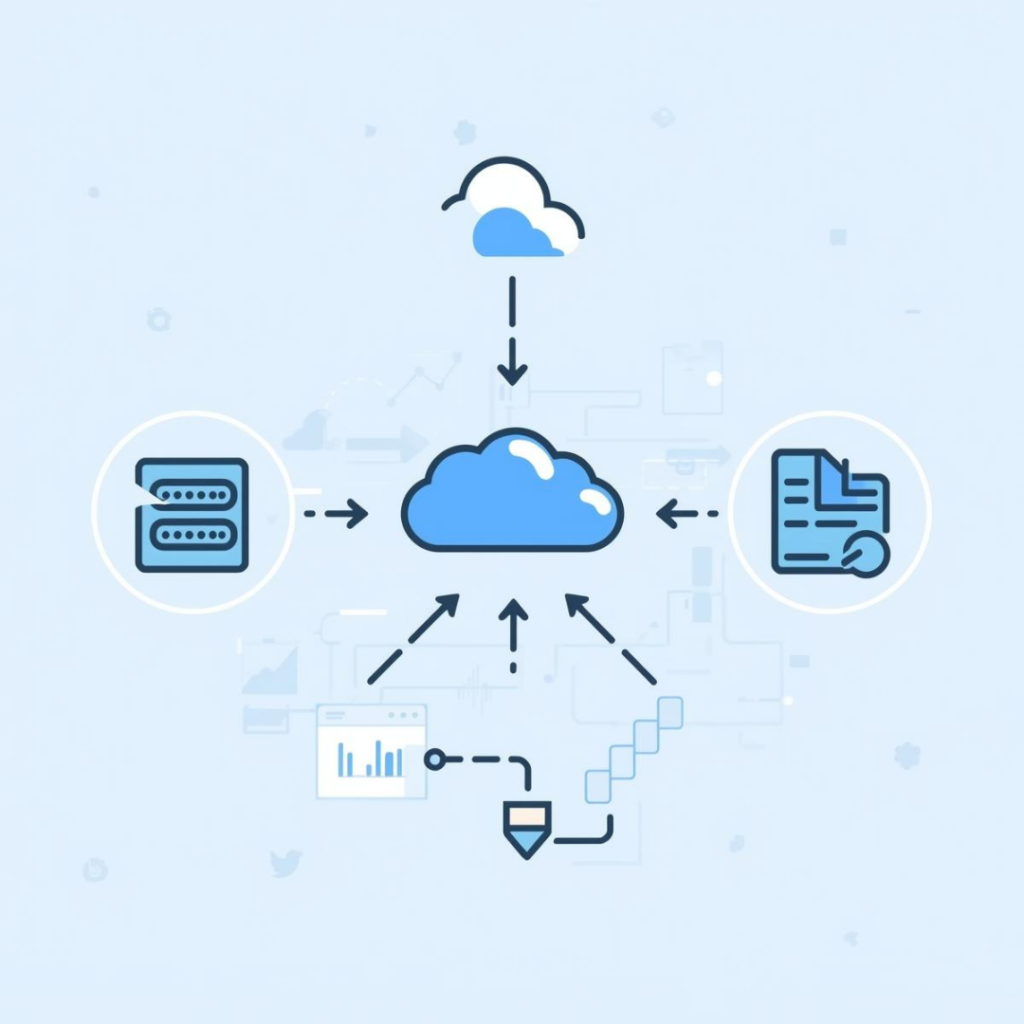
The following server configuration was used for all tests in this article:
- Purpose: API-based scraping tests and result validation
- Cloud provider: AWS EC2
- Instance type: t3.micro
- Operating system: Ubuntu (64-bit)
- vCPU: 2 (burstable)
- Memory: 1 GB RAM
- Storage: SSD (EBS)
Test flow used in this benchmark:
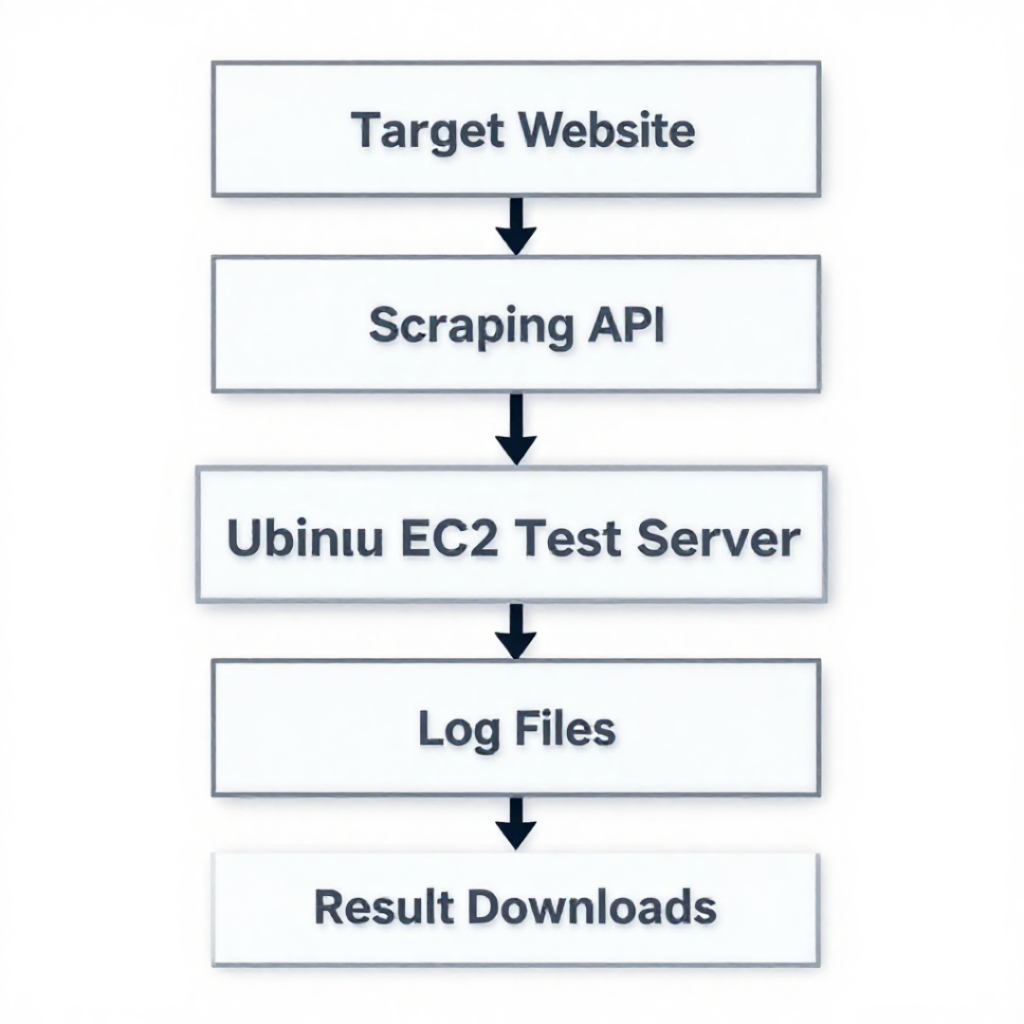
This lightweight setup reflects a realistic environment used by individual developers or small teams when evaluating scraping tools.
Crawling Methods Used in This Test
Structured Scraping:
In this method, the tool fetches a product page and returns clean, structured JSON data. Important fields such as title, price, rating, and availability are already organized, so no HTML parsing is required. This makes the data easier and faster to use.
Unstructured (DOM/HTML) Scraping:
In this method, the tool returns the full HTML/DOM of the webpage exactly as it loads in a browser. You must then extract the required values yourself using parsing logic. This approach is more flexible but requires more technical effort.
Before we move forward there is one following important note.
Important pricing notes (often overlooked):
- API credits are not consumed equally for all websites.
- E-commerce sites like Walmart usually cost more credits per request.
- Geo-targeting can significantly increase credit usage.
- Failed or retried requests may still consume credits.
- Pricing tables do not reflect real-world success rates or retries.
Let’s now evaluate the tools one by one in detail.
ScraperAPI – Walmart Scraping Overview
ScraperAPI is a web scraping platform launched in 2018 that helps teams collect data from websites without managing proxies, browsers, or anti-bot defenses themselves. It acts as an intermediary layer that handles IP rotation, retries, and request reliability.
In the following sections, we first look at ScraperAPI’s pricing model, and then evaluate how both approaches perform when scraping real Walmart product pages under test conditions.
ScraperAPI Pricing
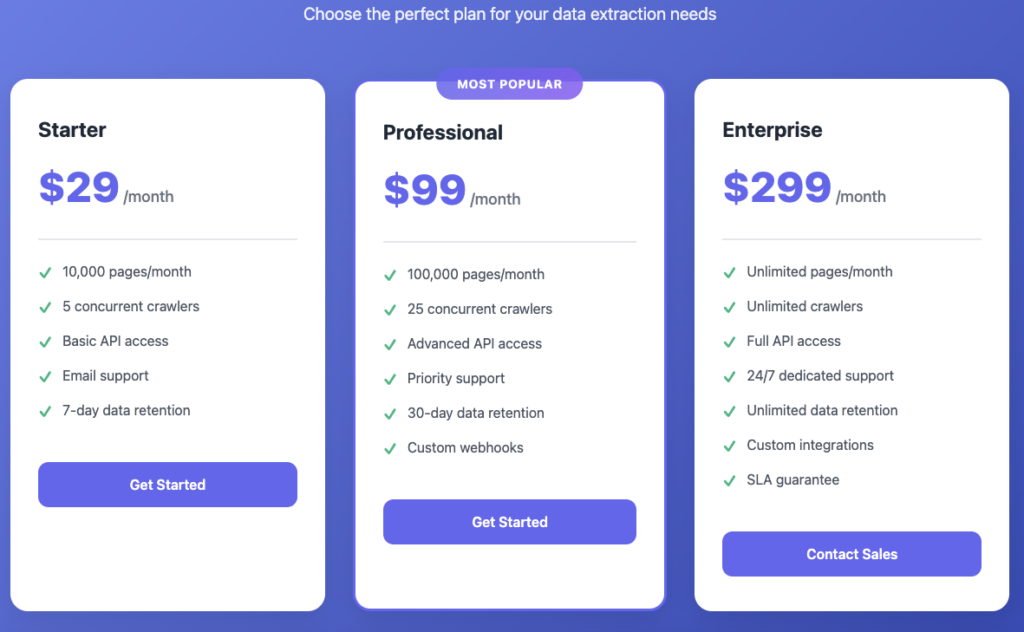
As per ScraperAPI’s official pricing table. We’ll use this as a reference and then compare it with real-world Walmart scraping results.
The pricing looks straightforward, but as we’ll see in the test results below, the actual cost per successful Walmart request can be very different.
For our Walmart tests, we evaluated ScraperAPI using both of the crawling approaches it supports.
ScraperAPI offers both different ways to crawl Walmart product pages:
- Structured JSON Data
- Un-Structured / General Purpose (HTML / DOM Crawling)
ScraperAPI Structured API Test Results — Product Endpoint
Walmart Product API
This test uses ScraperAPI’s Walmart Product API, which returns structured JSON for a product ID.
It’s useful when you want clean fields (price, title, rating) without parsing HTML.
Test Setup
- Products tested: 10
- Request type: Structured Product API
- Output captured: JSON + CSV logs + runtime log + API Responses
- Timestamp: 2026-01-22 16:07 UTC
ScraperAPI Walmart Product API – Performance Summary
| Metric | Value |
|---|---|
| Products tested | 10 |
| Average response time | 28.46 s |
| Fastest response | 4.69 s |
| Slowest response | 55.94 s |
| Test timestamp | 2026-01-22 16:07 UTC |
| Credit burn rate | 5 Credits / Successful API Call |
| Successful API requests | 4 |
| Failed API requests | 6 |
| Overall success rate | 40% |
| Overall credit burned | 20 API Credit |
| Download detailed logs | Download Logs – Zip |
| Download API Outputs | Download API Responses – Zip |
ScraperAPI Walmart DOM / HTML Crawling – Performance Summary
In this approach, we test ScraperAPI’s general crawling method, which returns the full HTML/DOM of a Walmart product page. This method is commonly used when structured APIs are unavailable or when more flexibility is required. Below, we outline how this test was executed and what results were observed.
General Crawling Endpoint
ScraperAPI offers general (traditional) crawling where any website URL can be passed to the API.
This method returns the complete HTML/DOM of the page, which must be parsed manually to extract values such as price or availability.
Test Setup
- Products tested: 10
- URLs used: same product URLs as structured test
- Endpoint used: https://api.scraperapi.com
- Request parameters: default (no extra parameters)
- Output format: HTML
ScraperAPI General API – Performance Summary
| Metric | Value |
|---|---|
| Products tested | 10 |
| Average response time | 10.68 s |
| Fastest response | 3.47 s |
| Slowest response | 15.46 s |
| Test timestamp | 2026-01-26 17:52 UTC |
| Credit burn rate | 5 Credits / Successful API Call |
| Successful API requests | 10 |
| Failed API requests | 0 |
| Overall success rate | 100% |
| Overall credit burned | 50 API Credit |
| Download detailed logs | Download Logs – Zip |
| Download API Outputs | Download API Responses – Zip |
ScrapingBee – Walmart Scraping Overview
ScrapingBee launched in 2018 and has grown into a mature and widely used scraping platform. Many teams use it to collect data without managing proxies or anti-bot systems.
They have been very handy in providing Walmart product scraping services and offering both structured & un-structured way of scraping Walmart.
Let’s review their generl pricing first and see what they are offering currently.
ScrapingBee Pricing (General Pricing)
But the good thing is they are also offering Walmart scraping specific pricing as following which makes them unique.
ScrapingBee Pricing (Walmart Specific Pricing)
We will be testing both structured & un-structured ScrapingBee crawling. Let’s proceed to test it.
ScrapingBee Walmart Product API – Performance Summary
Walmart Product API
In order to get a clean response in json format we used ScrapingBee Walmart Product API to check how it performs.
Test Setup
- Products tested: 10
- Request type: Structured Product API
- Output captured: JSON + CSV logs + runtime log
- Timestamp: 2026-01-28 06:10 UTC
ScraperBee Walmart Product API – Performance Summary
| Metric | Value |
|---|---|
| Products tested | 10 |
| Average response time | 5.26 s |
| Fastest response | 2.75 s |
| Slowest response | 9.23 s |
| Test timestamp | 2026-01-28 06:10 UTC |
| Credit burn rate | 10 Credits / Successful API Call |
| Successful API requests | 10 |
| Failed API requests | 0 |
| Overall success rate | 100% |
| Overall credit burned | 100 API Credit |
| Download detailed logs | Download Logs – Zip |
| Download API Outputs | Download API Responses – Zip |
ScrapingBee Walmart General Crawling – Performance Summary
In this approach, we test ScrapingBee general crawling method, which returns the full HTML/DOM of a Walmart product page. This method is commonly used when structured APIs are unavailable or when more flexibility is required. Below, we outline how this test was executed and what results were observed.
General Crawling Endpoint
ScrapingBee offers general (traditional) crawling where any website URL can be passed to the API.
This method returns the complete HTML/DOM of the page, which must be parsed manually to extract values such as price or availability. Lets proceed to test how it performs on Walmart.
Test Setup
- Products tested: 10
- URLs used: same product URLs as structured test
- Endpoint used: https://app.scrapingbee.com/api/v1/
- Request parameters: default (no extra parameters)
- Output format: HTML
We tried to use their normal api which simply returns the complete html DOM but it was not able to run and gave the following error.
{“error”: “Error with your request, please try again (you will not be charged for this request).You should: 1) check that your URL is correctly encoded 2) try with render_js=True (5 credits per request) 3) try with premium_proxy=True see documentation: https://www.scrapingbee.com/documentation#premium_proxy (10-25 credits per request) 4) try with stealth_proxy=True see documentation: https://www.scrapingbee.com/documentation#stealth_proxy (75 credits per request)Do not hesitate to check our troubleshooting guide:https://www.scrapingbee.com/help”, “reason”: “Server responded with 500”, “help”: “CAPTCHA”}
During our first attempt, ScrapingBee’s general endpoint returned a protection error and suggested enabling advanced proxy or rendering options. This shows that default settings may not always work for protected e-commerce targets and may require extra parameters — which can also increase credit cost.
Now we are trying to apply geolocation of US since we are trying to crawl Walmart in US.
ScrapingBee Walmart General Crawling – Performance Summary
| Metric | Value |
|---|---|
| Products tested | 10 |
| Average response time | 2.36 s |
| Fastest response | 1.33 s |
| Slowest response | 4.68 s |
| Test timestamp | 2026-01-28 19:27 UTC |
| Credit burn rate | 1 Credits / Successful API Call |
| Successful API requests | 6 Successful Requests 1 – 404 response (Walmart product was not available) |
| Failed API requests | 3 |
| Overall success rate | 70% |
| Overall credit burned | 10 API Credit |
| Download detailed logs | Download Logs – Zip |
| Download API Outputs | Download API Responses – Zip |
Final Thoughts — Real-World Walmart Scraping Test Results
Final Thoughts from Our Real Tests
In this article, we tested Walmart scraping tools using the same server setup and real product URLs to get practical results instead of relying on marketing claims.
We saw that structured APIs and DOM crawling behave differently — structured endpoints are easier to use, while DOM crawling is usually faster but needs more parsing work.
Speed alone should not decide your tool choice. Output quality, stability, and credit usage matter just as much.
Always test tools on your real target URLs before choosing a plan.
Overall Results Comparison
API Speed & Performance Results
| Tool | Structured API Avg | DOM API Avg | Structured API Fast/Slow | DOM API Fast/Slow | Structured / DOM Success Rate |
|---|---|---|---|---|---|
 | 28.46 s | 10.68 s | 4.69 s 55.94 s | 3.47 s 15.46 s | 40% 100% |
 | 5.26 s | 2.36 s | 2.75 s 9.23 s | 1.33 s 4.68 s | 100% 70% |
Credit & Cost Results
| Tool | Structured Credit | DOM Credit | Failure Cost |
|---|---|---|---|
| ~5/request | ~5/request | No Cost |
| ~10/request | ~1/request | No Cost |
Test Scope & Transparency Note
These results are based on limited controlled tests (10 product URLs per method). Real-world performance may vary based on target pages, geolocation, request parameters, and anti-bot behavior. Always run small tests before scaling.